The myREWRD Artist App
One place for the booking.
One app for show day.
Review offers, keep the venue conversation attached to the gig, check the calendar, follow payout status, and use show-day actions from your phone.


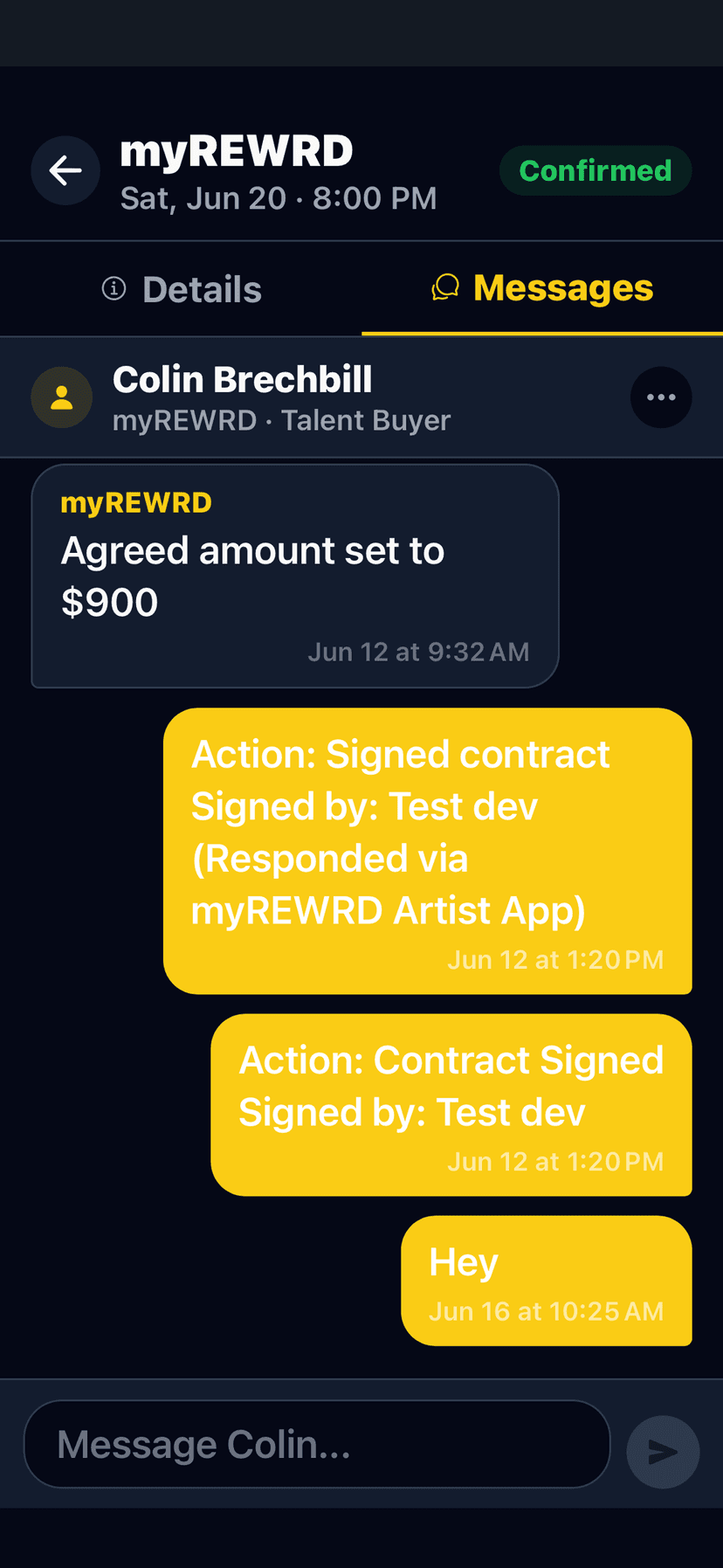
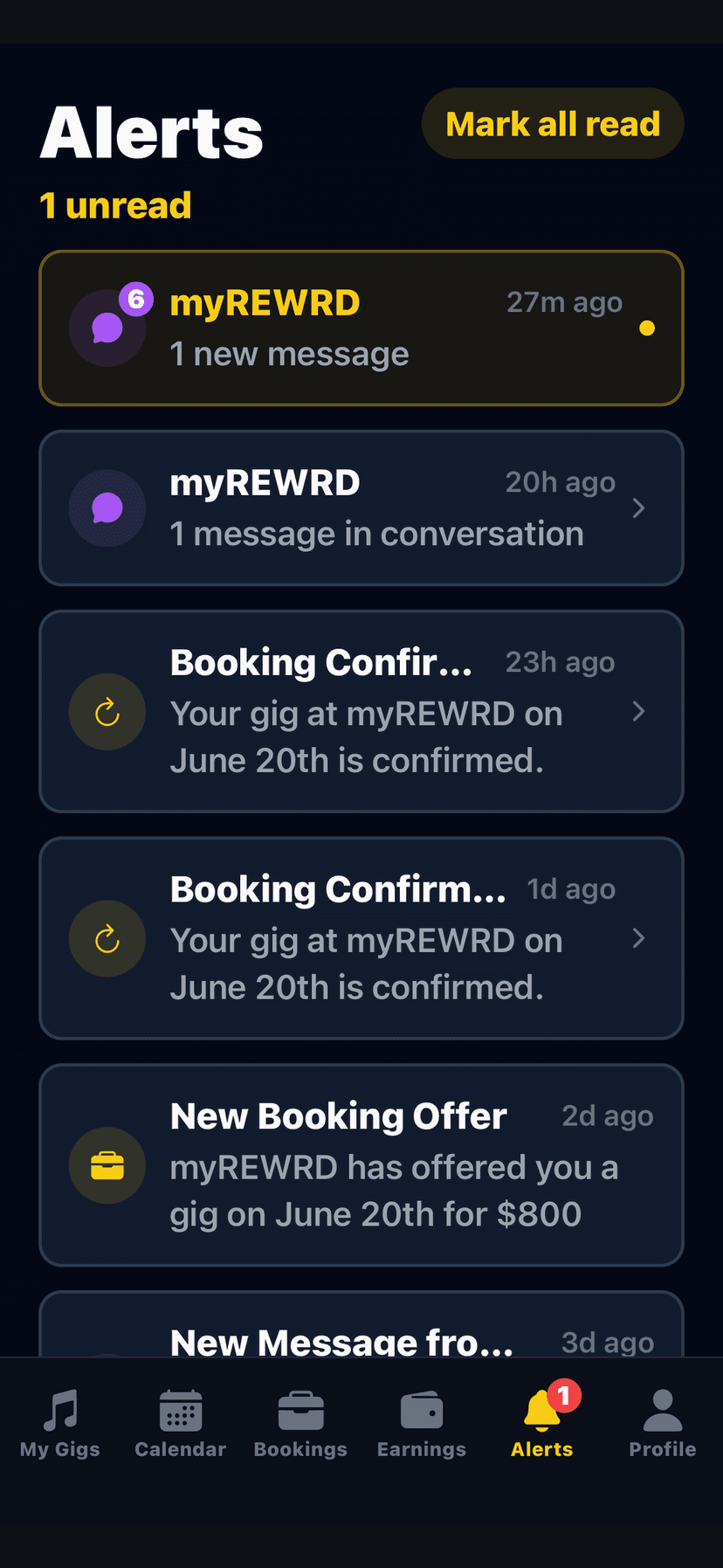
Five connected artist views
Move through every gigwithout leaving the app.
These are current myREWRD Artist App surfaces. Select a view to see the workflow the artist uses before, during, and after a booking.
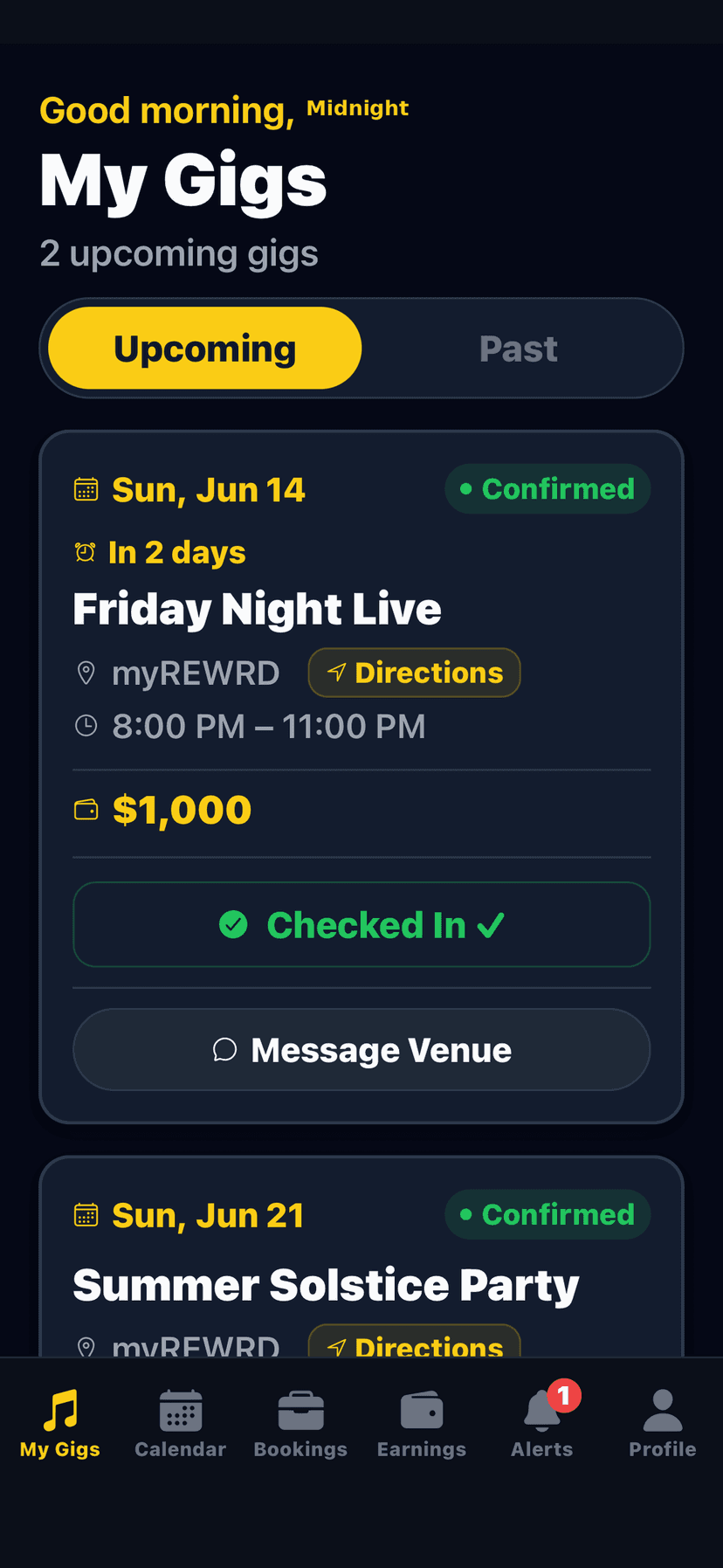
My Gigs
Keep every confirmed show in view.
Review the venue, date, time, booking amount, directions, and show-day actions from one gig record.
Your public artist calendar
Keep the dates
on your own website.
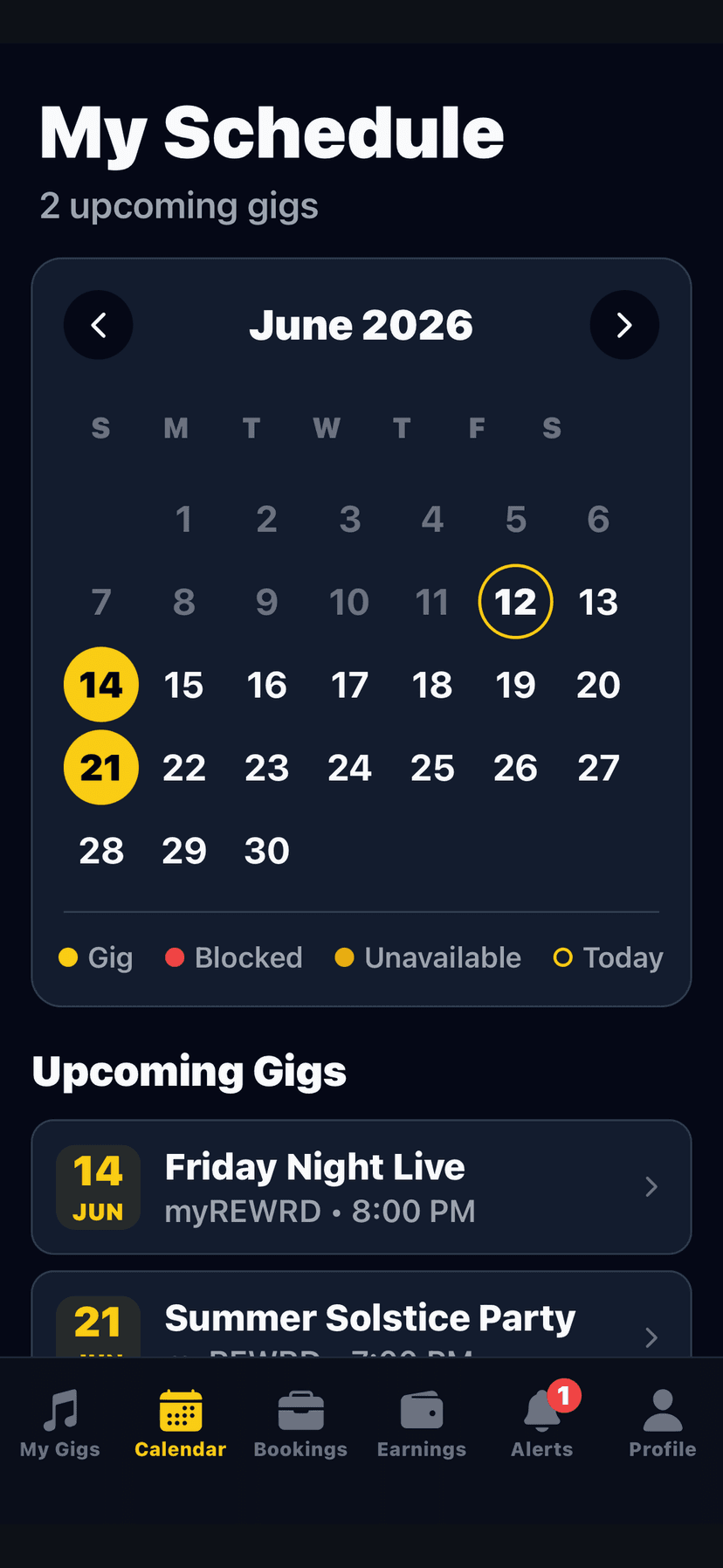
Use the Artist App or your private profile link to add the dates you want fans to see. Publish the show when it is ready, then share one live calendar link or paste the embed on your own website.
Artist calendar
Your band nameThe show-day run sheet
Everything the artist needs
to arrive informed.
The booking record can hold directions, arrival status, check-in, venue messages, contract or rider access, and the agreed amount. Each venue remains responsible for its booking terms and final payment approval.

Connected to the venue experience
The profile travels
with the event.
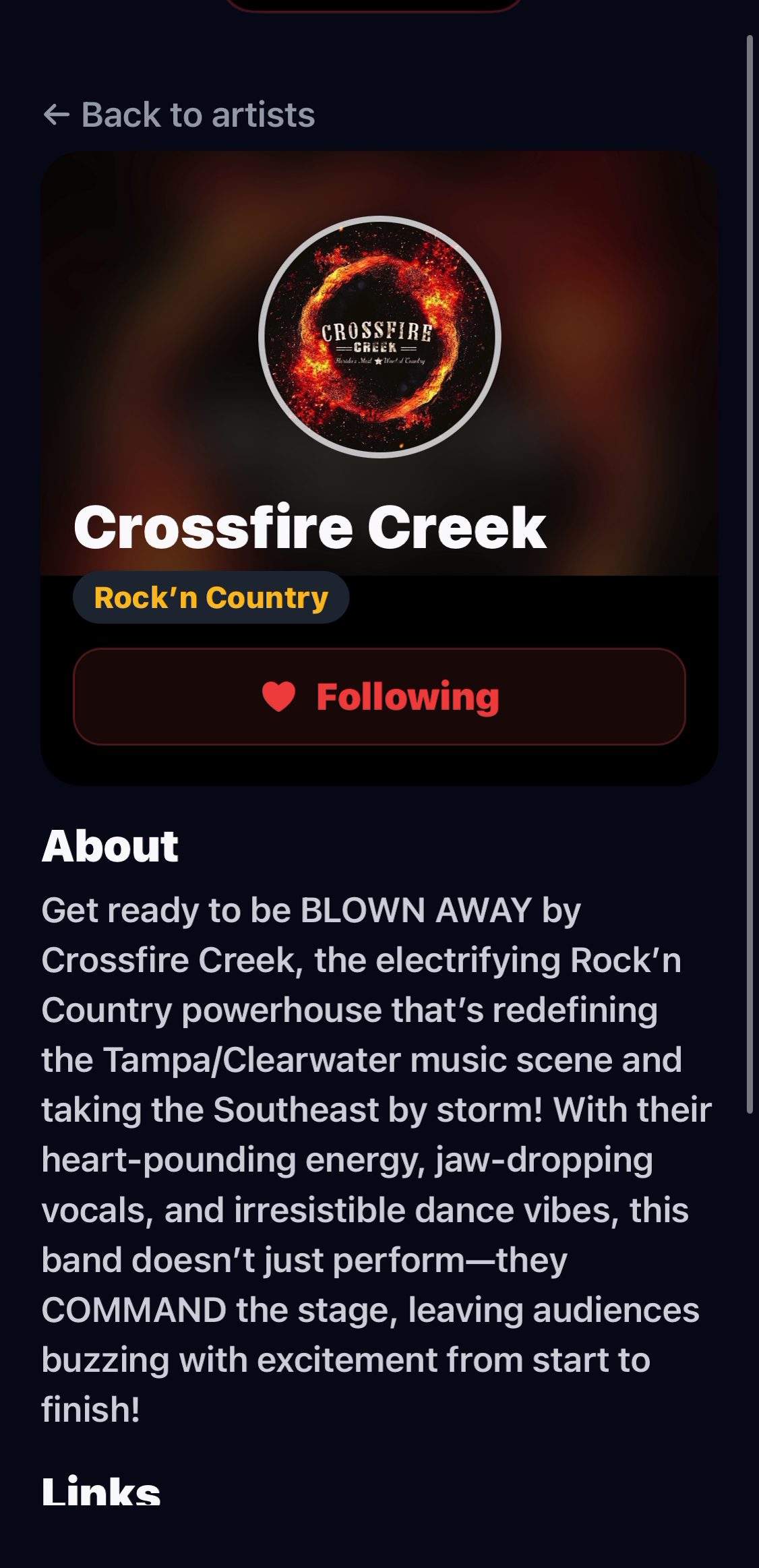
When a venue builds an event with a connected artist profile, it can present the artist inside its branded guest app and on its venue-managed TV Board. Guests can move from the event to the artist profile without the venue or artist rebuilding the same information for each surface.
- Artist photo, name, bio, and social links in the venue app
- Event and set-time presentation on venue-managed TV Boards
- One connected profile reused across participating myREWRD venues
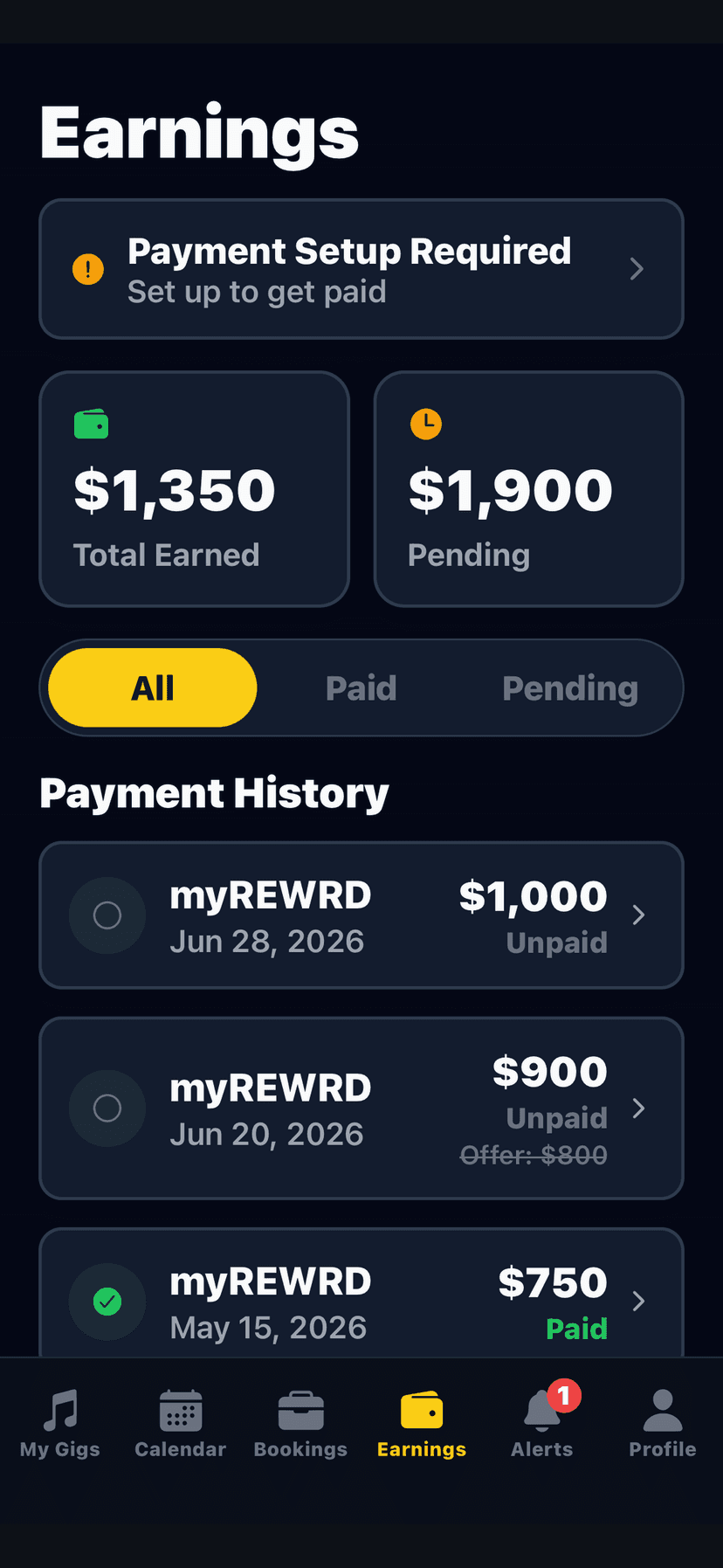
Earnings record
See what is recorded.
Know what is pending.
The Earnings view keeps booking amounts and payout status visible to the artist. Direct-deposit setup and payment processing remain subject to the venue’s approval, the booking terms, and the connected payment provider.
For Artists
Put the next gig
in one working view.
Download the Artist App or claim an existing artist profile so participating venues can connect the right record to future events.