TV Boards
Put your venue screens to work.
Show tonight’s event, upcoming dates and approved sponsors using the information your team already manages in myREWRD.
- Current event
- Upcoming lineup
- Approved sponsors

Real event spotlight with a venue check-in QR. QR destinations depend on the displayed experience.
From the room to the phone
Give the guest a clear next step.
A relevant QR destination can take the guest from your screen to the event or venue experience on their phone. Show the next action where guests can see it.
- Scan or tap
- Relevant venue destination
- Keep the venue relationship

Actual myREWRD product screens. Examples may show different venues and events.
Venue screen management
Your team controls what is on.
Manage supported display content and modes through your venue controls. Keep event presentation and sponsor scheduling connected to the operation.
- Your venue’s controls
- Scheduled sponsor placements
- Display modes for the night
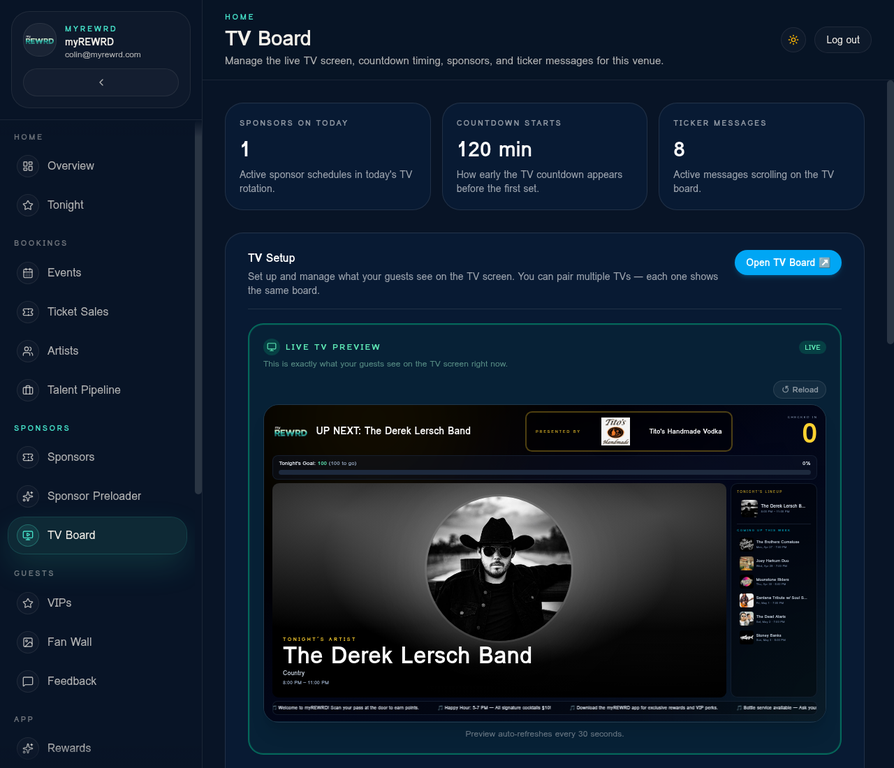

Actual myREWRD product screens. Examples may show different venues and events.
Game Day and Live Games
More ways to bring the room together.
Use supported Game Day presentation with your venue’s own authorized source, or host a live game guests join in the venue app. Your team controls the experience.
- Game Day sponsor bar
- Host-led guest participation
- One venue app
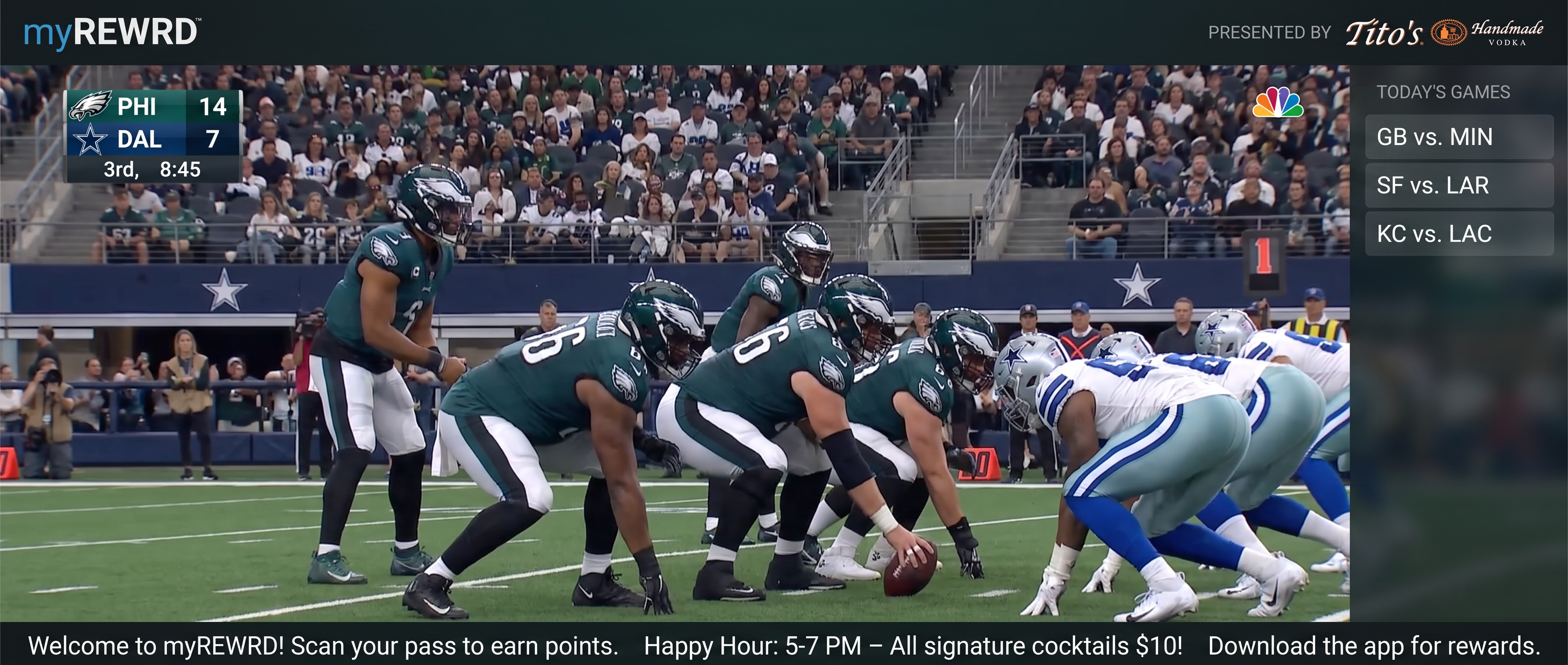
Actual myREWRD product screens. Examples may show different venues and events.
Part of one venue platform